An EPUB is an ebook, not an audiobook, but your iPhone can still read it to you. Here are three ways to do it, from the one you already have to the one built for long listening.
1. Speak Screen, built into iOS
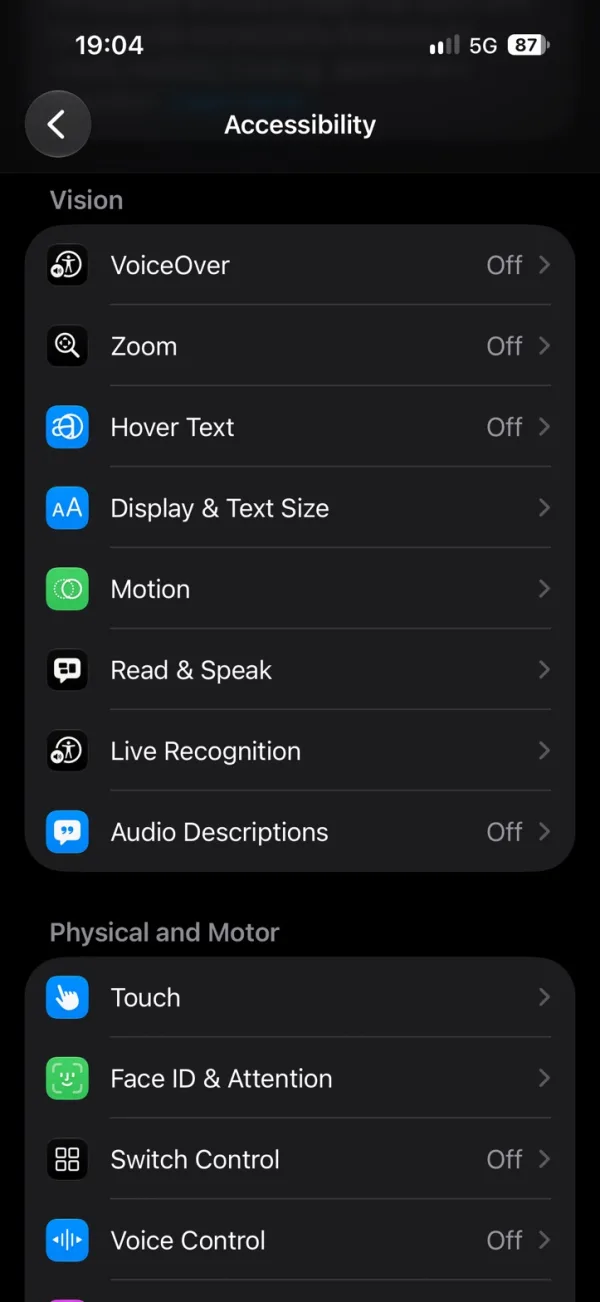
iOS can read any screen aloud, including a book open in Apple Books. On iOS 26 the setting is called Read & Speak; on older versions it is Spoken Content.
- Open Settings, then Accessibility, then Read & Speak.
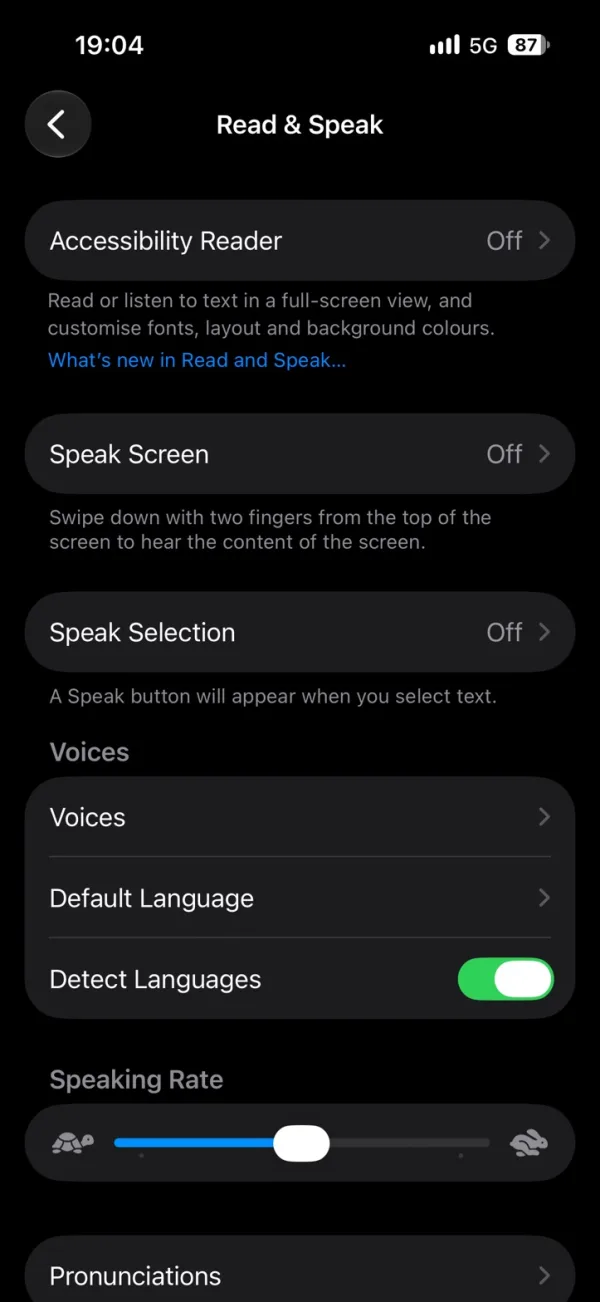
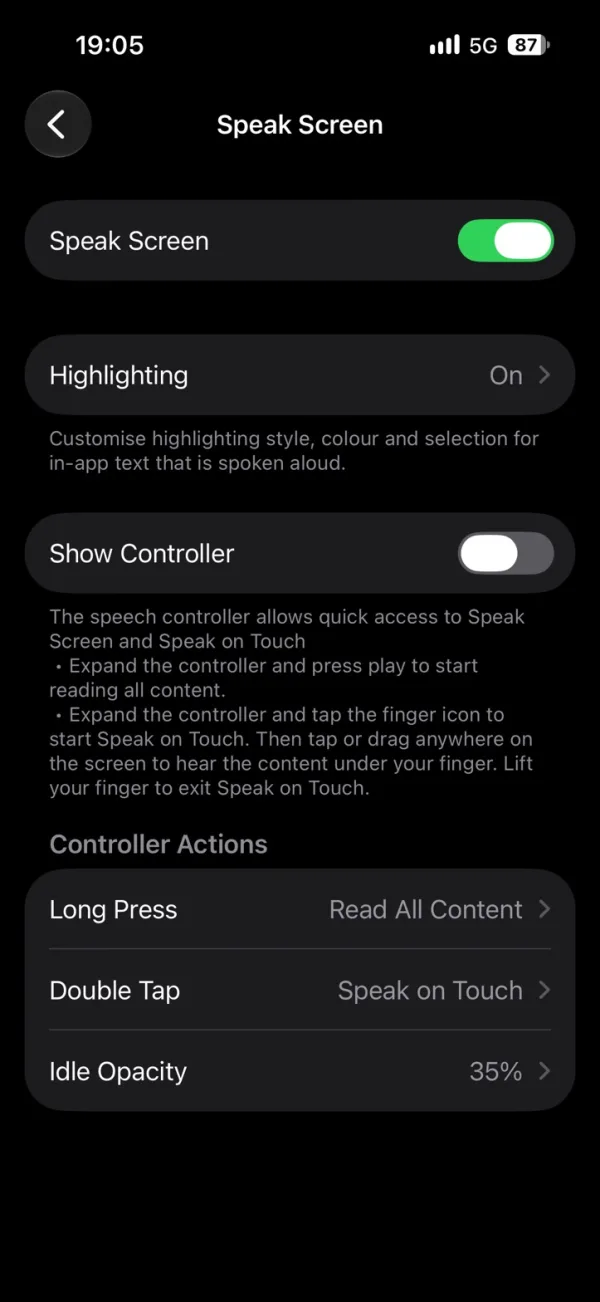
- Tap Speak Screen and turn it on. Turn on Highlighting too if you want to see each word as it is read.
- Open your book in Apple Books and swipe down from the top of the screen with two fingers.
- Use the controller that appears to pause, skip, or change the speed. After a few seconds it shrinks to a small button; tap it to bring the controls back.
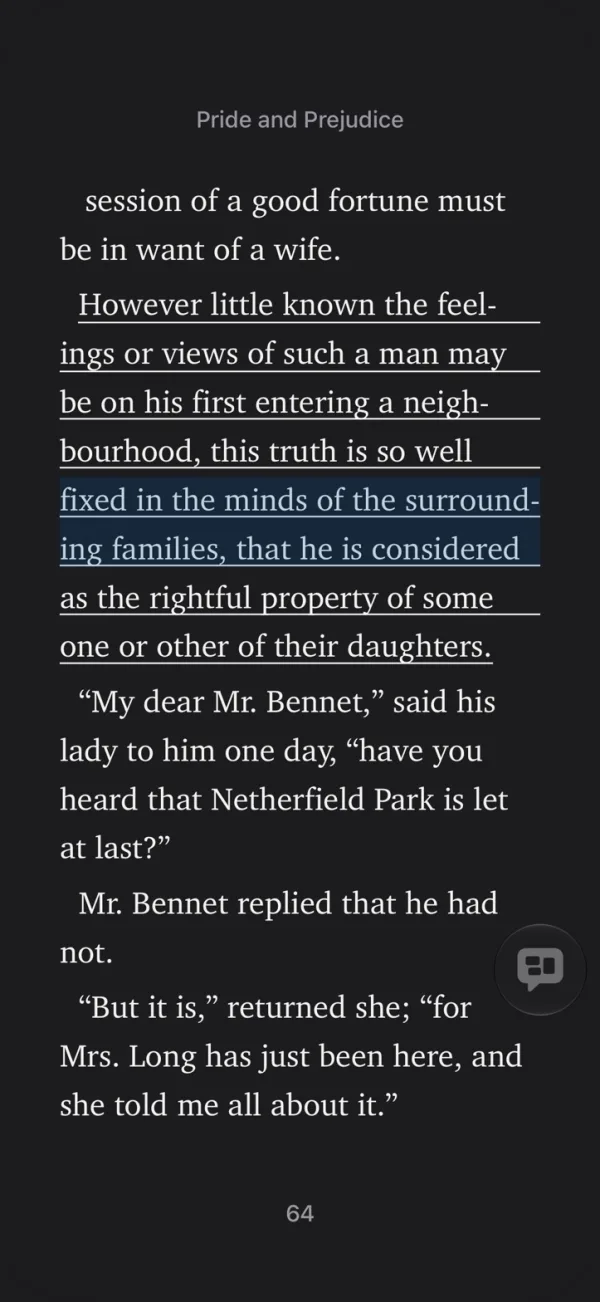
It is free and needs no download. It reads whatever is on the screen, so it suits a chapter here and there more than a whole novel.
2. A read-aloud app
A read-aloud app opens the EPUB itself, so it knows where each sentence and chapter starts. You get playback controls, a speed setting, and a place in the book that it remembers.
Many of these apps send the text to a cloud service to make the speech. That needs a connection while you listen, and your book leaves your phone.
3. On-device voices with Oratio
Oratio is a read-aloud reader for iPhone that makes the speech on the iPhone itself.
- Your books stay on your phone. Oratio does not upload a book to a cloud voice service.
- It works offline. Once the book and the voice are downloaded, you can listen with no connection.
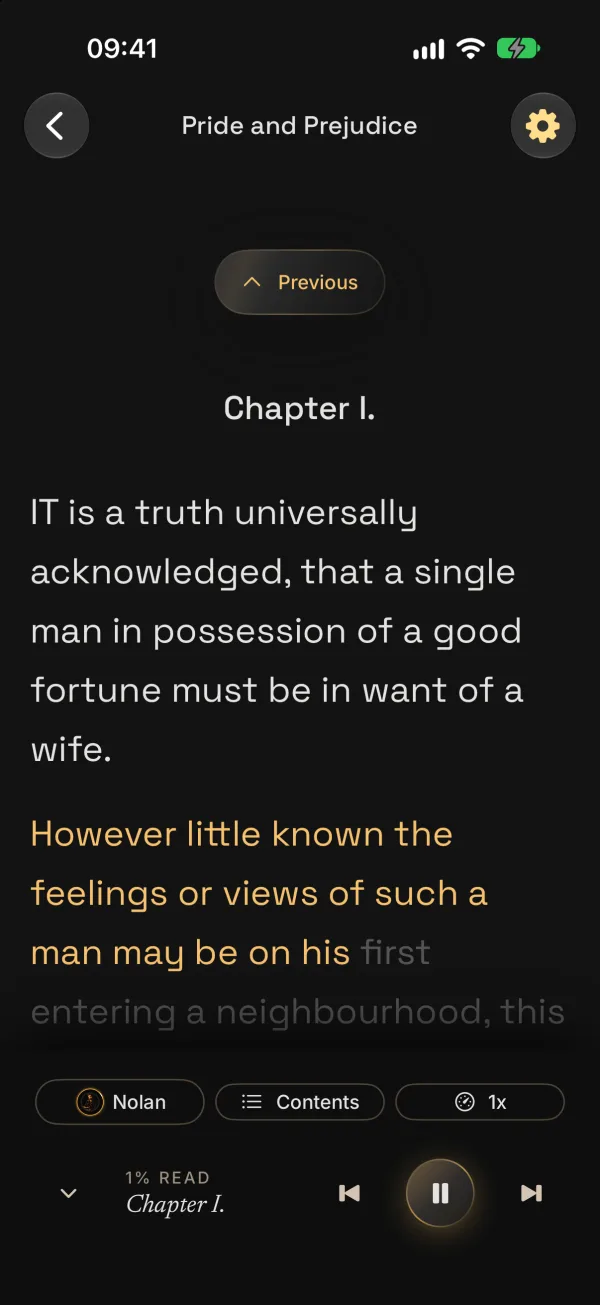
- You see every word. Each word is highlighted as it is read, so you can follow along or look away.
- You choose the voice. Use Apple’s built-in speech, or download natural on-device voices powered by Kokoro, Pocket TTS, and Supertonic.
To listen to your own EPUB:
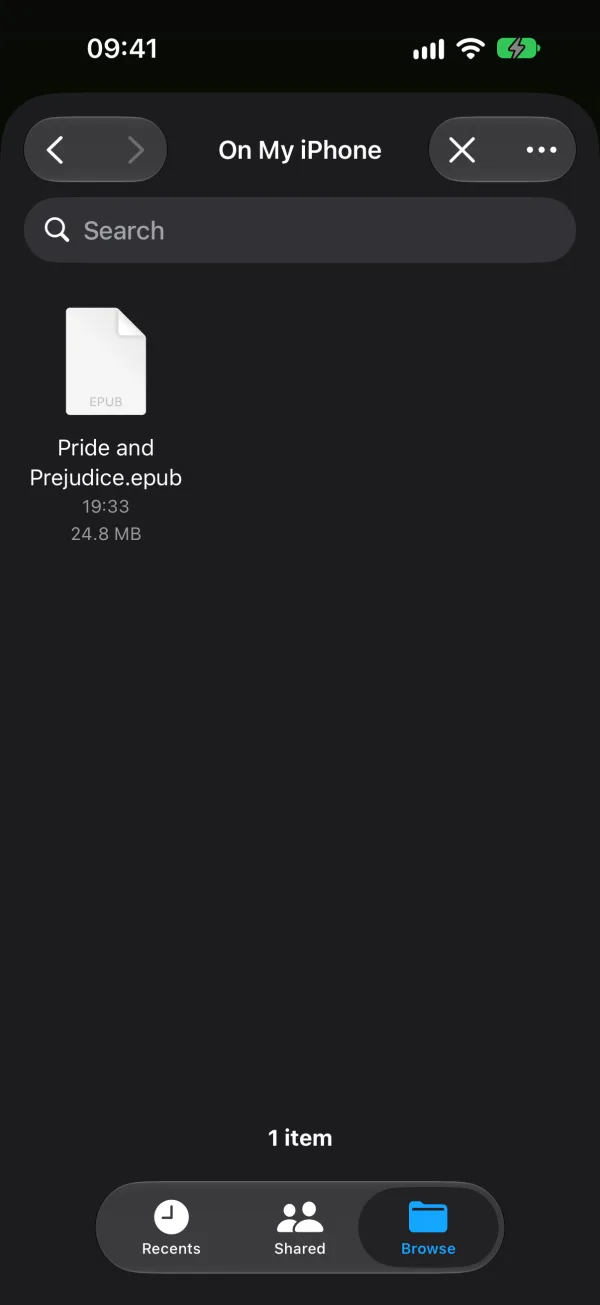
- In the Oratio library, tap + and choose the EPUB in Files. The book appears at the top of your library.
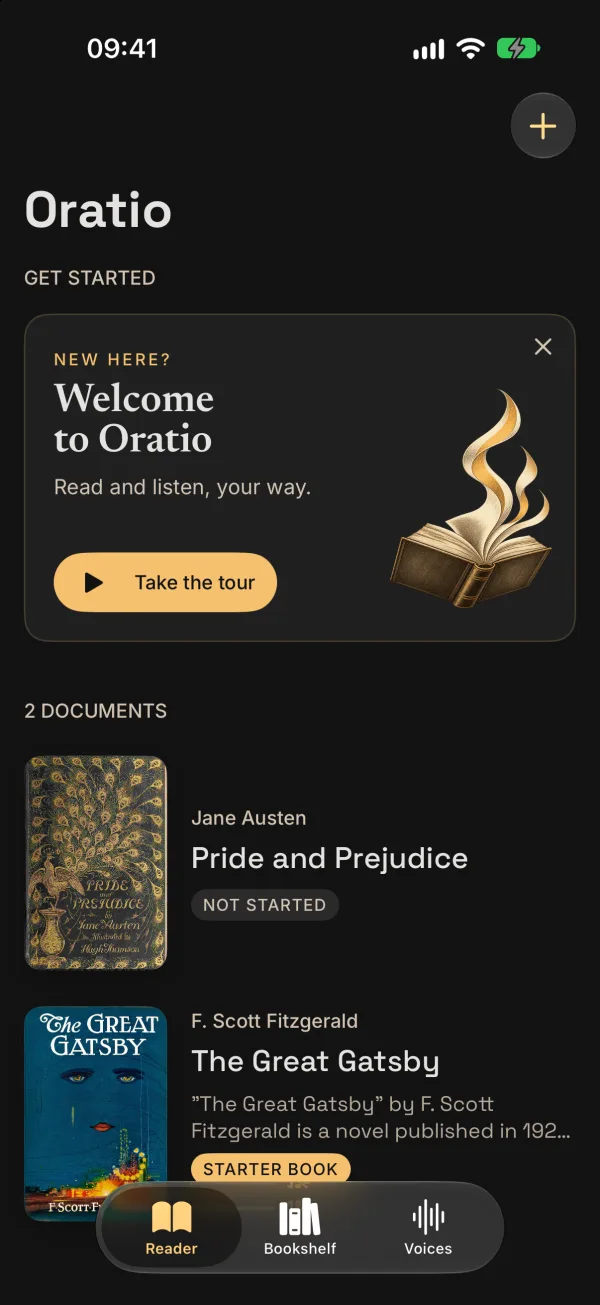
- Open the book and tap play. The words light up as they are read.
Importing your own EPUB files is part of Oratio Plus. Oratio also has a free catalog of public-domain books from Project Gutenberg.
Oratio is coming soon to the App Store.